Solar Inverter
Solar Inverter Troubleshooting Guide
On this page
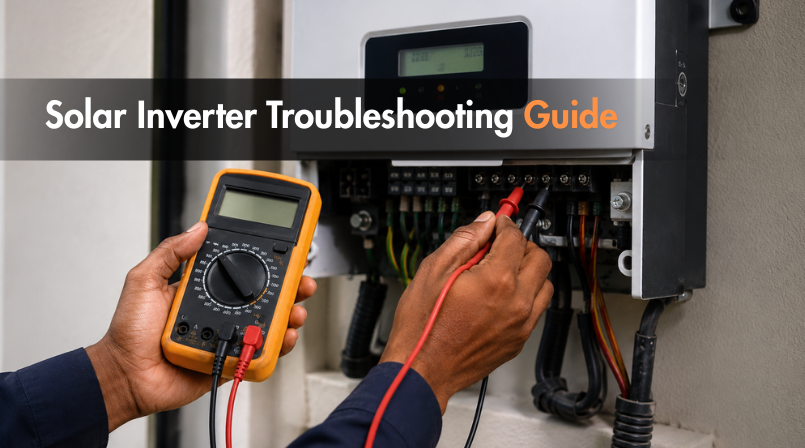
Most inverter problems aren't actually inverter failures they're a symptom the display is reporting correctly, but the site team is troubleshooting the wrong layer of the system. Working through issues in the right order saves a service call for the problems that genuinely need one, and clears the rest in minutes.
Start With the Basics Before Assuming a Fault
Before opening a ticket, confirm three things that account for a large share of "inverter problems" that aren't inverter problems at all: is the AC breaker at the distribution panel still on, is the DC isolator switched to the correct position, and has the site actually lost grid power (an inverter can't export if the grid itself is down, and this isn't a fault it's the inverter behaving correctly). These three checks resolve more service calls than any fault code diagnosis.
Troubleshooting String Inverters (Solis and Sineng)
String inverters like the Solis and Sineng ranges generate a specific fault code on the LCD or companion app, which narrows the problem considerably before any physical inspection starts.
No output at all check the DC isolator position first, then confirm string voltage with a multimeter at the combiner box. Zero voltage usually means a tripped breaker or a loose connector somewhere in the string, not a failed inverter.
Reduced output on a clear day this is almost always partial shading, panel soiling, or thermal derating rather than an inverter issue. Compare actual output against the app's historical data for the same time of year; a gradual decline points to soiling, while a sudden drop points to a specific fault or shading source.
Repeated grid fault codes string inverters disconnect automatically when grid voltage or frequency drifts outside range, which is a protective response, not a malfunction. If it clears and doesn't recur, no action is needed. If it recurs constantly, the site's grid connection itself likely needs an electrician's attention, not the inverter.
Communication dropouts the inverter continues generating normally even when the WiFi, LAN, or RS485 link to monitoring drops. Restarting the router or re-pairing the app usually resolves this without touching the inverter itself.
Microinverters Troubleshoot Differently (Jio Sparq)
Jio Sparq microinverters sit behind each panel rather than centralizing conversion in one unit, which changes the troubleshooting approach entirely. Because each microinverter reports independently through the IoT gateway, a problem usually isolates to one specific module rather than the whole array the monitoring dashboard will typically flag exactly which unit has dropped out, cutting diagnosis time compared to a string system where a single weak panel can be harder to isolate. Common Jio Sparq issues include:
A single panel showing zero output while neighboring panels perform normally usually a loose panel-to-microinverter connection rather than a unit failure.
Gateway communication loss the IoT Smart Gateway losing WiFi or PLC signal affects visibility into performance data, not actual generation, similar to a communication dropout on a string inverter.
Uneven output across panels expected to some degree given real-world variation in shading and orientation per panel, but a consistently underperforming single unit against its neighbors is worth flagging for inspection.
Hybrid Inverters Add a Battery Layer to Diagnose
Hybrid systems introduce battery-specific troubleshooting on top of everything above. If backup power isn't kicking in during an outage, check battery state of charge first a fully discharged battery has nothing to switch to, and that's a charging or scheduling issue, not an inverter fault. If the battery isn't charging from solar during the day, confirm the charging mode setting in the app hasn't been accidentally switched to a schedule that deprioritizes charging. Persistent battery communication errors between the inverter and battery management system, on the other hand, usually do need a technician, since they can indicate a genuine BMS or wiring issue rather than a settings problem.
When to Stop Troubleshooting and Call Support
Basic checks, fault codes that clear on their own, and communication dropouts are safe to handle on-site. Anything involving a burning smell, visible physical damage, a fault that recurs immediately after every reset, or a battery communication error that doesn't clear should go straight to a service call. Documenting the exact fault code, time of occurrence, and what was already tried makes that call far faster to resolve, since the support team isn't troubleshooting from zero.
Contact OSG Oriana India for inverter troubleshooting support →
FAQs
1. Why does my inverter show zero output even though the sun is out?
Check the DC isolator and AC breaker positions first — these two switches account for most "no output" cases that aren't genuine faults.
2. Is a repeated grid fault code a sign my inverter is failing?
Not usually it typically means the inverter is disconnecting due to grid conditions; if it recurs constantly, the site's grid connection needs checking.
3. How is troubleshooting a microinverter different from a string inverter?
Microinverter issues usually isolate to a single panel, visible directly on the monitoring dashboard, rather than affecting the whole array at once.
4. My hybrid system didn't switch to battery backup during an outage why?
Check the battery's state of charge first; a depleted battery has nothing to switch to and isn't an inverter malfunction.
5. When should I stop troubleshooting and call for support?
Any burning smell, physical damage, immediately recurring faults after a reset, or unresolved battery communication errors warrant a service call.
Found this useful? Share it with your network.